

Product update
REST APIs, BYO Keys for Everyone, Expo 54 + more!
 Dave Sebek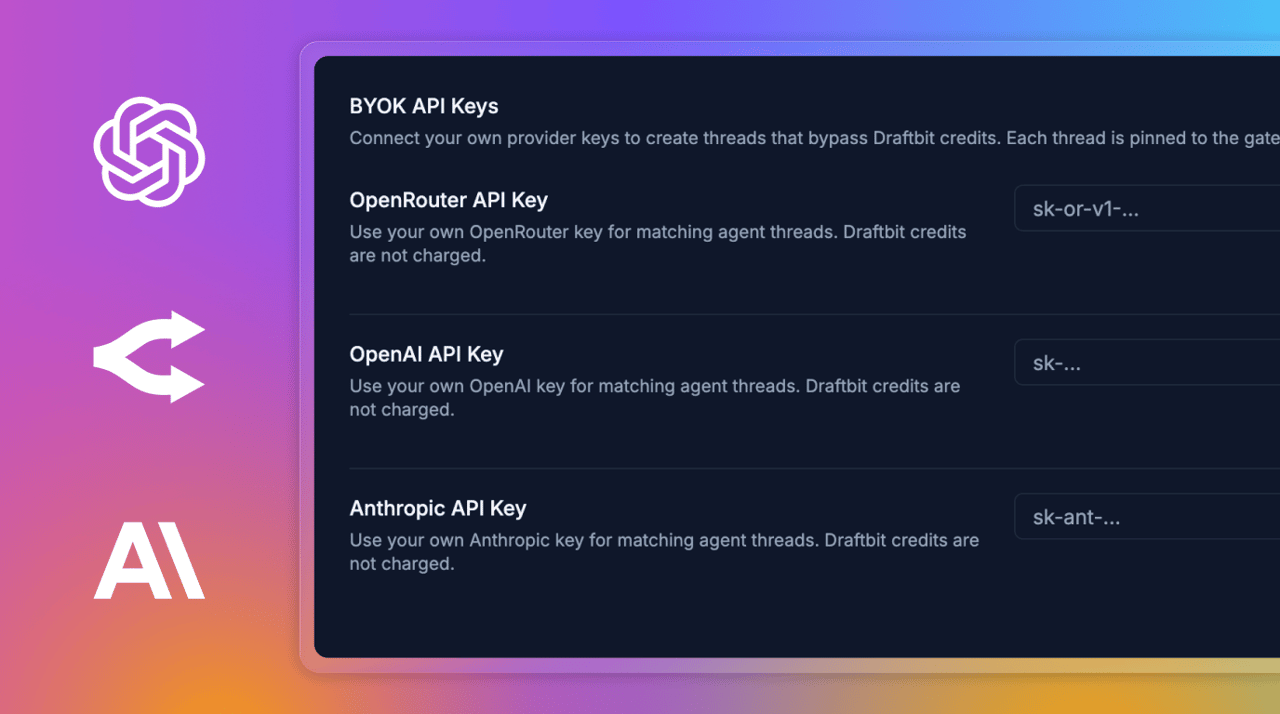
Hey everyone — a lot has shipped since the last update, and this one's a meaty one. We've been heads-down on the connective tissue between your apps and the outside world: REST APIs, your own model provider keys, and a fresh Expo runtime under every new project.
TL;DR: REST APIs are now available to every user, with one-click setup for popular services like Webflow, Shopify, Xano, Supabase, and more. Bring-your-own API keys for OpenAI, Anthropic, and OpenRouter are live and free on every plan — no Pro required. Expo 54 is now the default SDK for new apps. Plus a new Summarize + Start New flow on threads, richer credit usage breakdowns, an Integrations Agent, and the ability to unpublish web deployments.
Bring Your Own API Keys — Free for Everyone
You can now connect your own OpenAI, Anthropic, or OpenRouter API key from the Agents Defaults tab. Threads using your key route directly to the provider and bypass Draftbit credits entirely — handy if you've already got provider credits sitting around, or you want full control over which models and rate limits you're using.
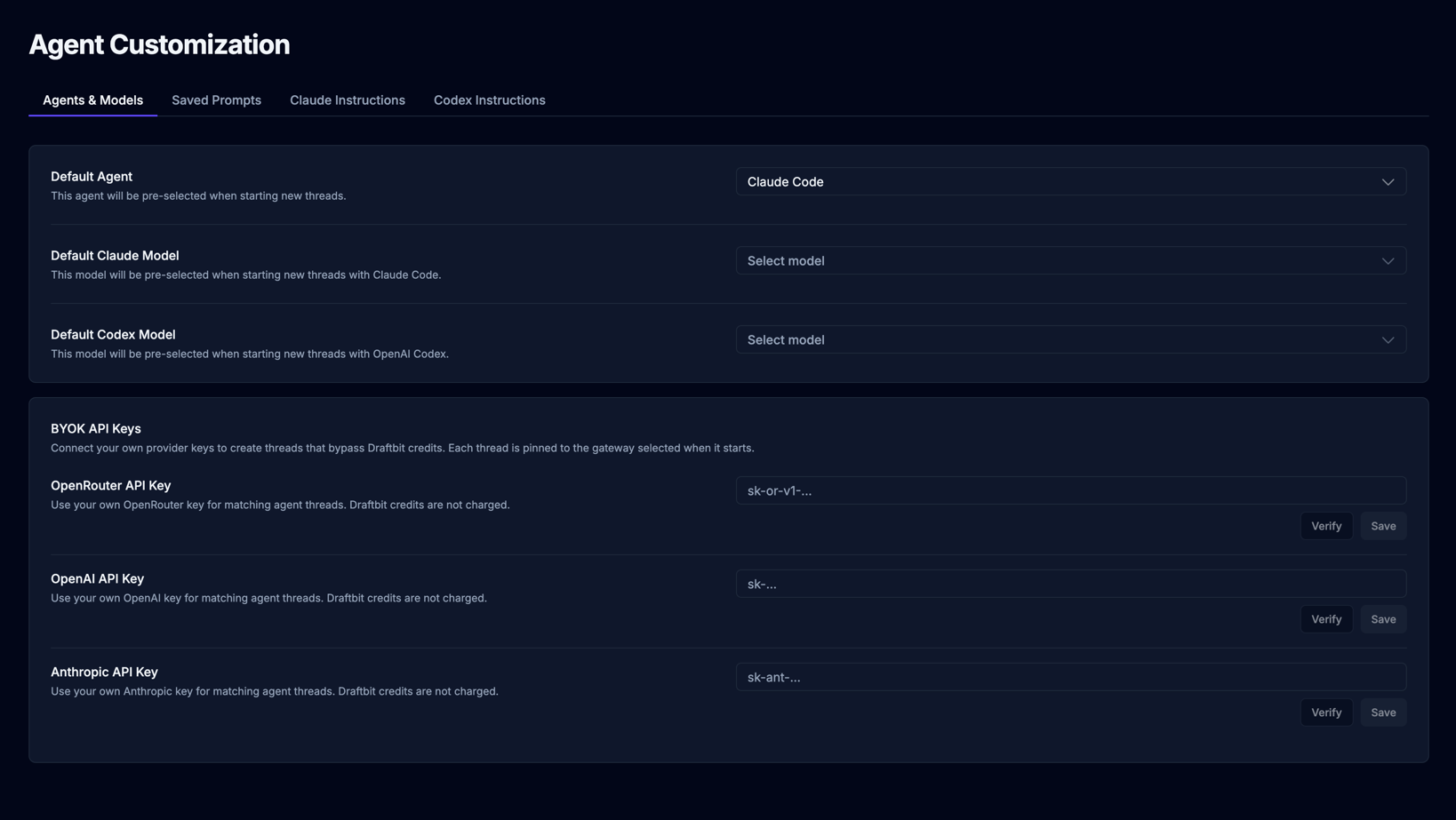
And the headline: BYOK is now available on every plan, including Free. When we shipped OpenRouter BYOK two weeks ago it was Pro-only; we've since flipped the switch to make all three providers available to everyone, no subscription required. OpenRouter BYOK now also exposes the same curated catalog of OpenAI and Anthropic models you'd get on Draftbit credits, so a single OpenRouter key can drive cross-provider workflows.
You can grab keys directly from each provider:
Under the hood, each thread remembers which gateway it's running on, so switching between Draftbit credits and your own key — or coming back to an older thread later — keeps things predictable. Provider labels are shown throughout chat and thread history so you always know where your requests are going.
REST API Integrations Are Live
One of our most-requested features since v2 launched: a real, first-class way to connect REST APIs to your app. It's here, and it's open to all users.
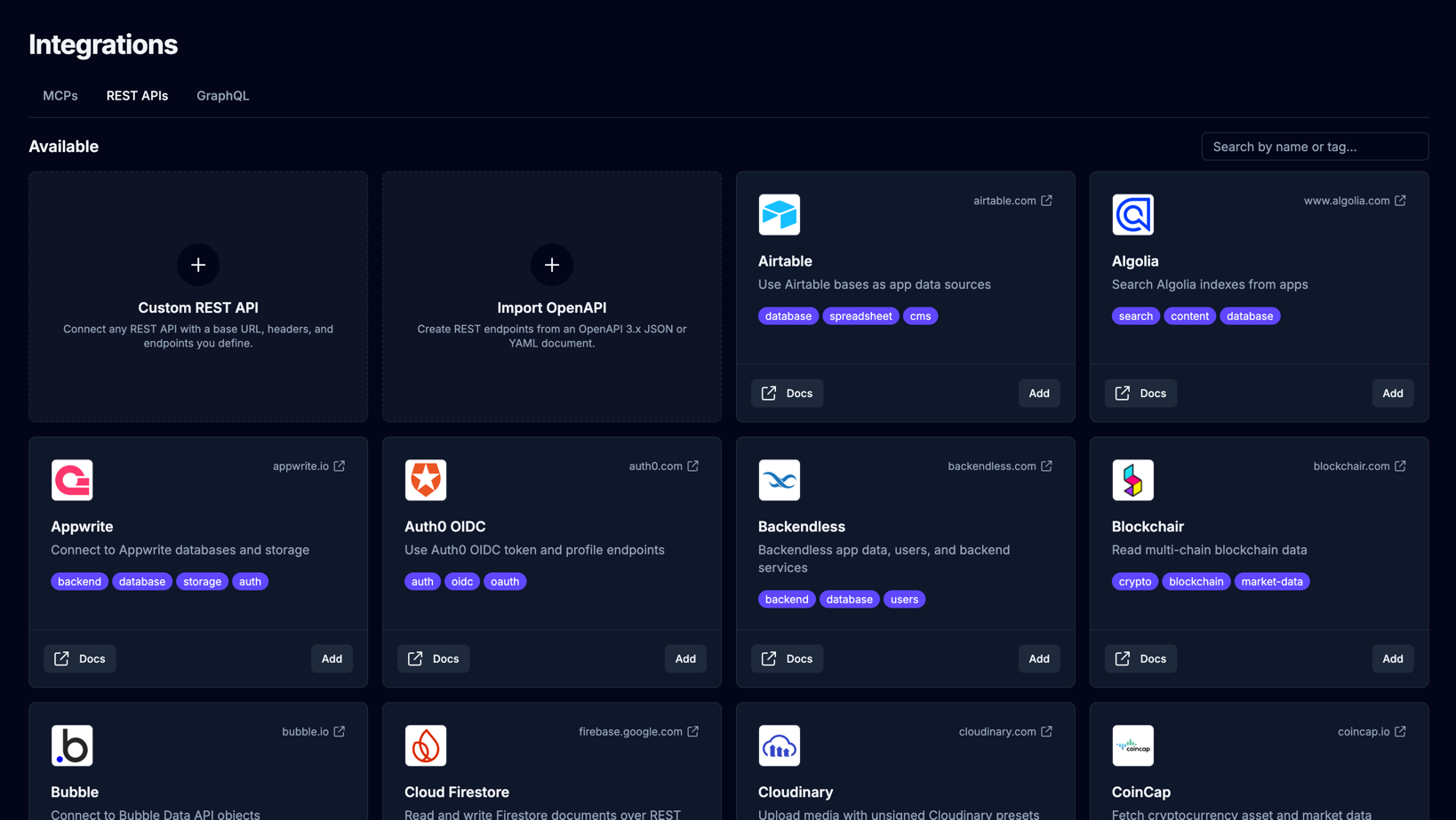
You'll find it under the new REST APIs tab on the Integrations page, right alongside MCP servers. We took a page out of the MCP playbook and built REST APIs as a productized catalog: instead of starting from a blank form, you pick from a list of preconfigured services with sensible defaults, or start with Custom REST API if you're connecting something we don't ship out of the box.
One-click services include Webflow, Bubble, WordPress, Shopify, Xano, Supabase, Directus, Sanity, Zapier, and more — drop in your credentials, and you're connected. The new two-column detail view gives endpoints all the room they need on the left, with configuration and a live tester on the right.
The best part: every REST service you connect is automatically exposed to your agents as tools. So once you've wired up an endpoint, you can ask the agent to "fetch the user's orders and render them in a list" and it'll just work — no hand-coded fetch calls required. There's also an agent sidebar on each REST service page so you can spin up endpoints conversationally, the same way the Tasks page works.
Expo 54 Is the New Default
Every new app you create now scaffolds on Expo SDK 54. The full toolchain — preview app, builder, publish pipeline, example screens — has been updated to support it, and we've worked through the migration issues that came up across both v1 and v2 apps (file system imports, FlashList rendering, the iOS preview crash, deprecated notification handlers, and a few more). Existing apps stay on whatever SDK they're on; this affects new apps only.
Expo 54 brings precompiled builds for dramatically faster iOS dev cycles, the new Liquid Glass design language on iOS 26, React Native 0.81, and a long list of platform improvements. You can read the full Expo SDK 54 announcement for the deep dive.
If you've got an older app and want to upgrade, the agent can walk you through it — most of the breaking changes are mechanical (renamed imports, new permission flows) and the agent knows about them.
Summarize + Start New on Threads
Long, productive threads are great — until the conversation grows so long that the agent starts losing the plot, or the context gets heavy enough to slow things down. We've added a Summarize and Start New action you can trigger from any thread to keep momentum without keeping the bloat.
Hit the action and we'll generate a continuation summary of what's been built, what decisions were made, and what's still in progress, then pre-fill it into a fresh thread so you can pick right back up. It's the cleanest way to carry forward weeks of work into a focused new conversation.
Better Credit Usage Visibility
The thread credit usage dialog had a major overhaul. Credit spend is now broken down by model and provider in a clean grouped view, and every user — not just admins — can open it to see exactly where their credits went. The same dialog also powers the per-run "Agent Run Finished" breakdown, so you can audit a single run as easily as a whole thread.
Small But Notable
Integrations Agent sidebar
The Integrations page now has its own agent sidebar that mirrors the panel on Tasks — resizable, collapsible to a rail, and ready to help you wire up MCPs or REST APIs without leaving the screen.
Unpublish web deployments
You can now unpublish web deployments straight from the Builder publish popover, with production and staging controlled separately. Unpublished sites show as inactive and their share/staging URLs become unavailable.
A /whats-new page on draftbit.com
We're surfacing recent changelog entries at draftbit.com/whats-new so you can keep tabs on shipping without digging through release notes.
Monthly credits get a 30-day grace window
Subscription credits used to expire the moment the Stripe billing period ended. They now expire 30 days after, so you've got a buffer to spend down whatever's left.
More welcome credits for new signups
We bumped the credit allotment new accounts get on signup so you've got more room to explore before deciding what plan you want.
Free-plan default model is now gpt-5.4
We moved the Free plan default back to gpt-5.4 for both new threads and new app creation. In our internal testing it produces results comparable to higher-tier models on most building tasks while burning roughly half the credits — which means a lot more runway on a Free account.
The agent reaches for Chrome DevTools less aggressively
It only opens DevTools after simpler debugging steps fail, or when you explicitly ask for it — so most threads stay snappier and consume fewer credits along the way.
Polished agent and gateway pickers
The chat agent picker is now a proper Select with logo and description, matching the gateway and model selectors. The chat input shows a small icon-only gateway indicator (OpenRouter or Draftbit) only when you have multiple gateways — single-path users see nothing.
Fixes
Safari now switches between iOS and Android preview tabs reliably (it used to just toggle the tooltip). Codex multi-file edits no longer skip refreshing the screens/files list when multiple files are touched in one batch. New-thread panels can no longer land on a mismatched model + agent combination (e.g. Codex + Claude Sonnet). Stopped sandboxes restart correctly on the next interaction. The required title field on save dialogs is now visually prominent when missing, so you don't lose a save to a silent validation error.
Coming Soon
Automatic Supabase Backends
We're working on first-class Supabase backends inside the Builder — spin up a fully provisioned Supabase project for your app in a click, with tables, auth, and storage wired up automatically and exposed to your agents. In the meantime, the Supabase MCP connector and the Supabase REST API integration both work great today.
That's all for now — happy building!

Build your app with Draftbit
Start free and build with AI in your browser.